


CHANGING THE THEME
If you don’t like the XFCE theme you install in Pisi GNU/Linux, you have many great theme choices = HERE =
First, download the theme you would like to have.
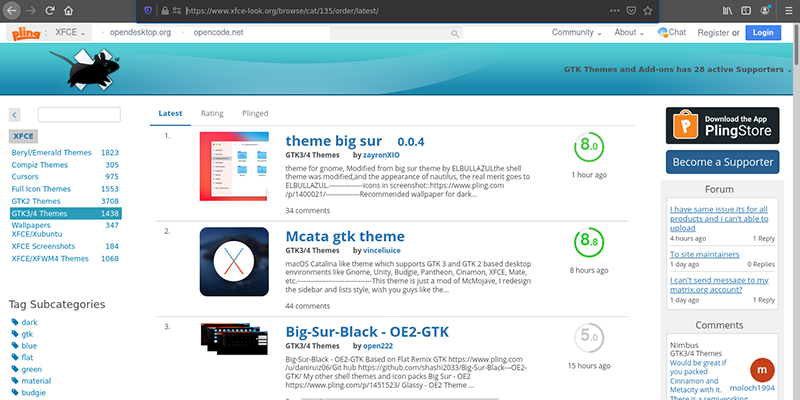
Open Fila Manager and choose Appearance then Show Hidden Files. Right click on the theme in tar.xz then choose “open here”.
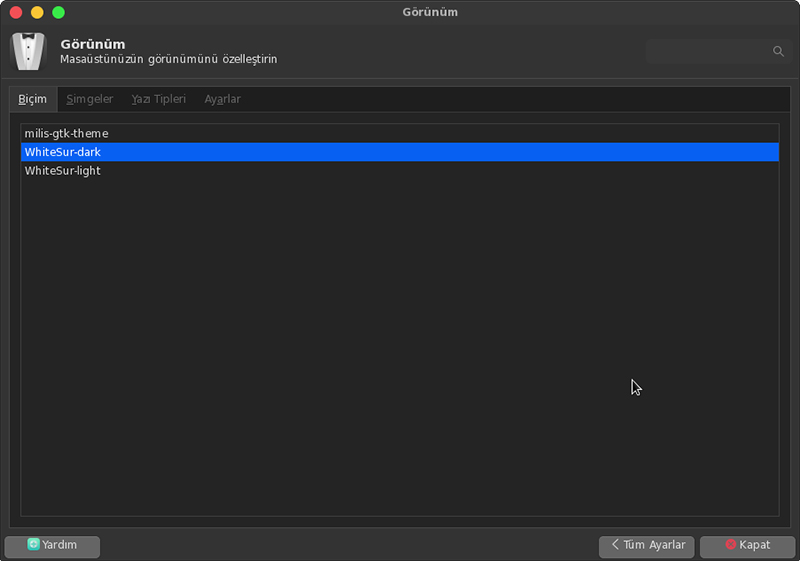
Copy the folder you untar / unzip then paste it to “.themes” folder you created in Home (named your user name) folder. Go to Settings > Appearance > Themes then choose the theme you just paste.
CHANGING ICONS
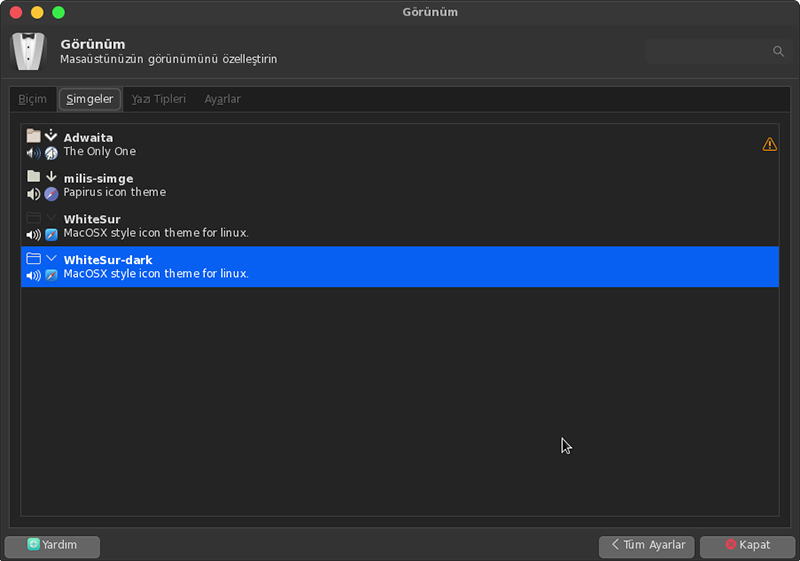
If you want to change the icons first go = HERE = and download icon set (tarz.xz extension) you would like to have. Then, untar the downloaded document by hitting right click.
Copy untar folder then paste it to “.icons” folder created in the folder named your user name.
Go to Settings > Appearance > Icons then choose new set here...
CHANGING WINDOW BAR
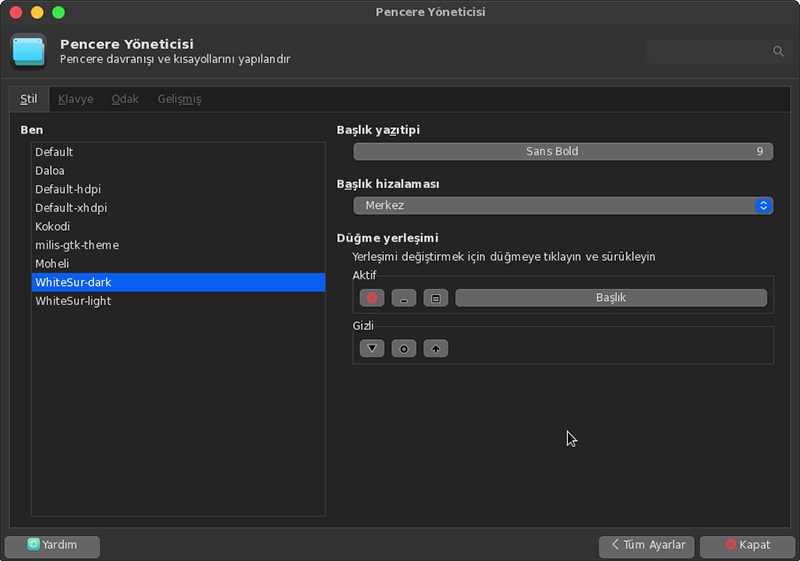
Go to Settings > Window Manager: You can customize your window title font & alignment and button locations in here. You do not need to download extra files! When you install theme described at first, every thing will be change.
PS: This method can be used for all XFCE desktop in Linux distros...
The page was prepared by Emir Baran Oral